Printable 2026 NASCAR Schedule: PDF, TV and Calendar Downloads
A fan-first guide to building a low-ink 2026 NASCAR schedule, choosing one or all four series, saving a browser PDF, checking current TV details and using an updating calendar feed.
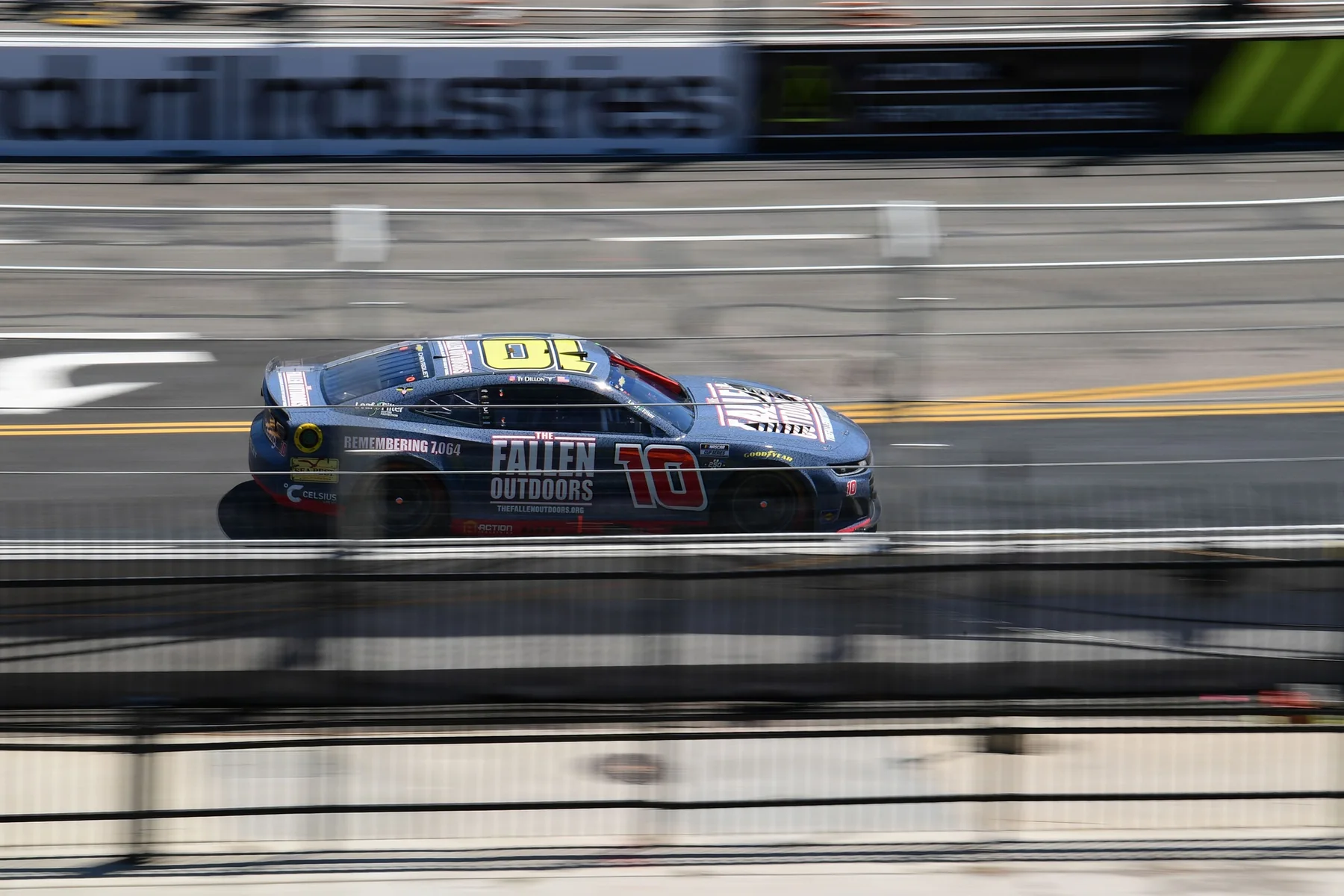
Build your printable 2026 NASCAR schedule with the free print/PDF tool: choose Cup, O'Reilly, Craftsman Truck and ARCA in any combination, hide completed races if you want, keep the low-ink layout, then print or select Save as PDF. This guide was checked on August 8, 2026. A saved file is a snapshot, so it will not change when the live schedule changes. If you want race dates carried into your phone, use the NASCAR calendar options. If you need the current channel, streaming destination, practice or qualifying window, check the live NASCAR TV schedule before race day.
Which 2026 NASCAR schedule format should you use?
Use a paper copy or PDF when you want a fast, fixed view; use a calendar subscription when you want race dates carried into your phone; use the live TV page when you need the latest channel and session time. Those jobs overlap, but they are not the same. A printed sheet belongs on the garage wall, refrigerator or desk because it is easy to scan without opening an app. A PDF gives you the same layout in a file that is easy to store, email or reopen while traveling. Both are snapshots of the information shown when you created them.
| Format | Best NASCAR use | What to remember |
|---|---|---|
| Paper | Wall planner, handwritten winner notes, family race-weekend board | Reprint after an important schedule change |
| Saved PDF | Offline copy, travel folder, sharing the selected series | The file does not update itself |
| Calendar feed | Phone reminders and a schedule alongside work or family events | Refresh timing depends on the calendar app |
| Live schedule or TV page | Confirming this weekend's start time, network and running order | Check again close to race day |
For most fans, the practical answer is to use two formats. Start with the printable NASCAR schedule builder for the series you actually follow, then add the NASCAR calendar feed for reminders. The paper or PDF becomes the season map; the subscribed calendar becomes the movable appointment list. A subscription is designed to receive changes from its source, although Google, Apple and Outlook decide how often they refresh it, so it should not be treated like an instant alert service.
On race weekend, finish the check with the live NASCAR TV schedule. That page can separate a Cup race from O'Reilly, Truck or ARCA coverage and show sessions that do not belong on a one-line-per-race printout. If all you need is a clean overview, the PDF is enough. If missing qualifying would ruin your Saturday, keep the live weekend tools in the loop.
What is included in the four-series printable schedule?
The builder can place four separate race calendars on one print view: the NASCAR Cup Series, NASCAR O'Reilly Auto Parts Series, NASCAR Craftsman Truck Series and the national ARCA Menards Series. You can keep all four checked or strip the sheet down to one series. That is a meaningful distinction because NASCAR's own national-series PDF groups Cup, O'Reilly and Truck, while ARCA maintains its national calendar separately. The combined builder saves a fan from opening and printing four different pages.
A four-series view earns its keep on companion weekends. Daytona Speedweeks, for example, put Cup, O'Reilly, Truck and ARCA activity into the same race week in 2026. A fan watching the prospects on Friday and Saturday before the Cup headliner on Sunday needs more than a Cup-only wall calendar. The same combined view also helps a family planning an at-track weekend see how many green flags belong to the trip, even if their ticket and detailed event schedule must still be checked separately.
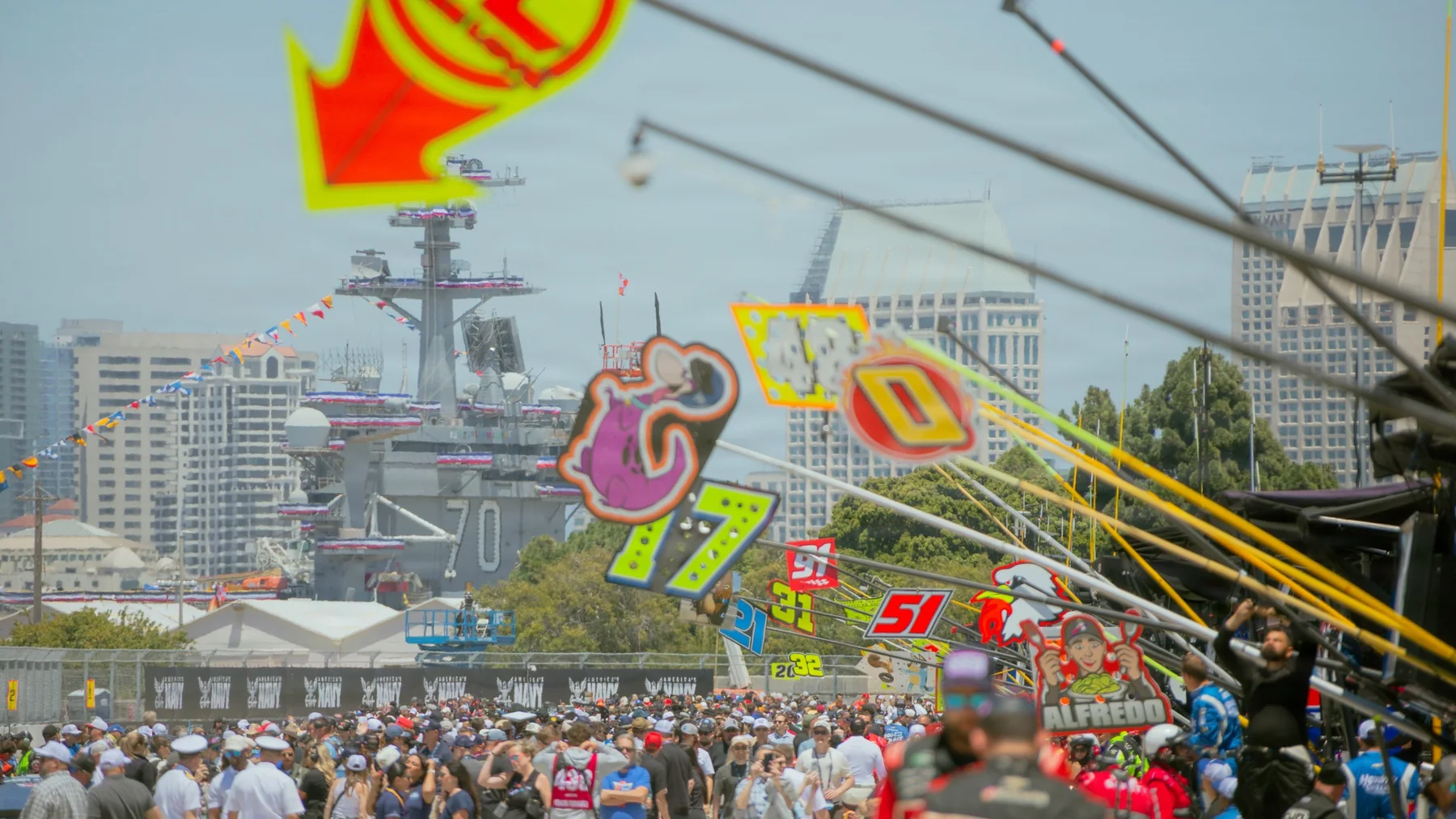
The printable is a race planner, not the complete garage running order. It keeps the fields that matter for a season overview—series, event, track, date and confirmed race information—without trying to squeeze every practice, qualifying session, press conference or re-air onto the page. For those session-level details, open the full NASCAR schedule or the weekend tool closer to the event. That separation keeps the printed type readable and prevents a Thursday practice change from forcing a full-season sheet to become a cramped timetable.
ARCA also needs one careful label. The selection refers to the national ARCA Menards Series schedule, not every ARCA East and West event. Some 2026 races count as combination events, but East and West remain distinct championships with their own dates. If you only follow Sunday's top division, select the Cup Series schedule. If you watch driver development or every companion race, keep all four. The filter should reflect how you consume a weekend, not an assumption that “NASCAR” always means Cup alone.
How to save the printable 2026 NASCAR schedule as a PDF
You do not need a separate PDF app. Build the race list first, then use the browser's print preview to create the file. Chrome, Edge and Firefox all expose a PDF destination from their print workflow, although the exact wording and position can vary by browser and operating system.
- Open the 2026 printable schedule builder. Let the race list load before opening the print dialog so your local-time labels and current statuses are present.
- Choose the garages you follow. Leave Cup, O'Reilly, Truck and ARCA selected for a combined season sheet, or uncheck series that only add clutter to your copy.
- Decide whether the past belongs on the page. Select Upcoming races only for a forward-looking planner. Leave it off if you want the entire season as a record.
- Keep Compact / low ink selected. It removes unnecessary print weight and gives race, track, date, time and Watch information more room.
- Select Print / Save PDF. You can also use Ctrl+P on Windows or Command+P on macOS. In the destination or printer menu, choose Save as PDF, Microsoft Print to PDF or the equivalent PDF option on your device.
- Inspect the preview. Landscape usually suits a wide multi-series list. Check paper size, margins and scale, and make sure the right-hand information is not clipped. Turn browser headers and footers off if the URL and page date crowd the schedule.
- Save a dated file. A name such as
nascar-2026-schedule-2026-08-08.pdftells you when the snapshot was made. Open the saved file once and confirm that every selected page is present.
The browser is printing a purpose-built layout, so it may look cleaner than the screen view; navigation and controls are not meant to appear on the final sheet. The local-time note is important: confirmed times reflect the timezone used by that browser when you create the copy. If you make a travel PDF before leaving home, keep the timezone context in mind when comparing it with a track's local weekend schedule.
How to make a race-fan printout that stays readable
Protect the five things you look for first: series, race or track, date, green-flag time and where to watch. Everything else has to justify the ink and space it takes. NASCAR's own compact national-series sheet follows that basic hierarchy, while deeper reference pages can add stage laps, radio and event links. Those extras are valuable on screen; they become tiny type when four championships are forced onto a home-printer page.
Start by matching the sheet to your actual viewing habit. A Cup fan who occasionally catches Trucks does not need every ARCA row squeezed into the same page. Print a Cup sheet and a shorter companion-series sheet, or use Upcoming races only after midseason. Landscape usually gives the Watch field breathing room, but a single-series schedule may remain perfectly readable in portrait. Preview is the judge: if you must lean into the screen to read a track name, the paper copy is already too dense.
- For a wall planner: keep the full season and leave white space for a winner, pole sitter or travel note.
- For a race-weekend binder: print upcoming events, then mark tickets, parking or hotel confirmations beside the relevant track.
- For a TV room: preserve the Watch column and avoid handwritten notes that obscure the local start time.
- For multiple fans: use a highlighter color for each series instead of shrinking four separate lists into one unreadable block.
Treat those marks as personal notes, not as the complete race record. Use the separate NASCAR results tool when you need the full supplied running order and event detail. Your printable schedule should remain the map of the season: where the garage goes next, when the green flag is planned and which viewing window belongs on your weekend.
That division also makes reprinting less painful. If a late change affects one future weekend, you replace a clean planner rather than rebuilding a handwritten results archive. The best low-ink copy is not the one with the most columns. It is the one a fan can scan from across the room and still know which series is racing next.
Why TV channels and start times need a live check
Treat the Watch field on a printable schedule as a planning cue, then verify the weekend on a live TV page. NASCAR published a useful one-page national-series schedule with 2026 start times and networks, but a season PDF cannot carry every later practice window, qualifying stream, pre-race show, re-air or operational update. NASCAR's own weekly listings are updated through the season for exactly that reason.
The series also do not share one television home. Cup coverage moves through FOX and FS1, Prime Video, TNT Sports, and the late-season USA/NBC/Peacock distribution window. O'Reilly race telecasts are on The CW, Craftsman Truck races use FOX Sports, and the national ARCA Menards Series uses FOX, FS1 and FS2. That high-level map helps you read the season, but it is not a substitute for the network printed beside a specific event. Cup in particular changes partners by schedule segment, so “the same channel as last Sunday” is a poor race-day rule.
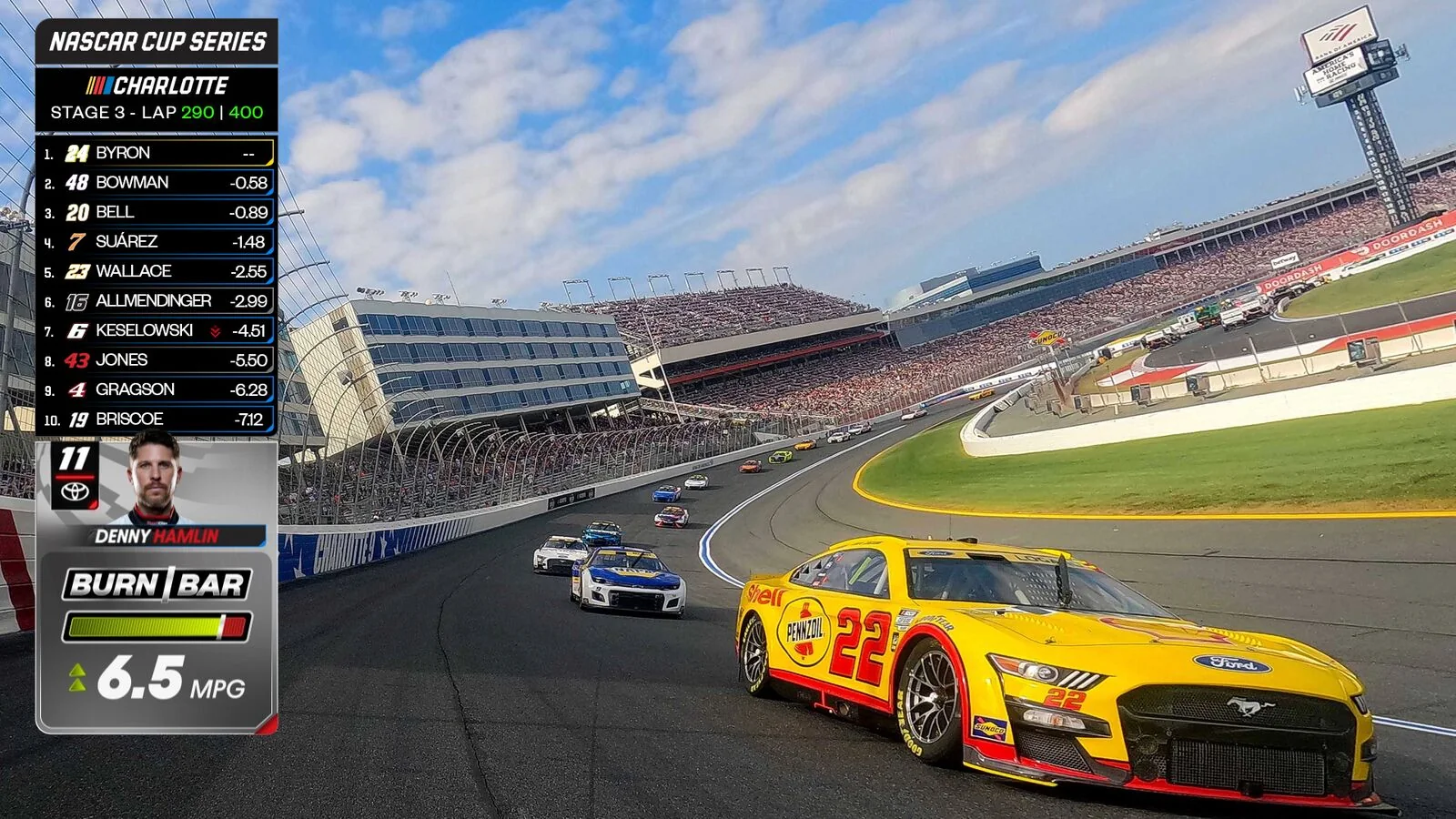
Session detail is the second trap. A race telecast can be on one network while practice or qualifying appears on another channel or streaming platform. The weekly listing may also show a pre-race program separately from the scheduled race entry. If your paper says 3:30, do not assume every studio show begins then—or that the field rolls immediately when coverage opens. Use this weekend's NASCAR running order to see the sessions in sequence, and confirm the U.S. destination on the NASCAR TV schedule.
Time zones deserve the same discipline. NASCAR's national weekly guide publishes listings in Eastern Time, while this site's browser tools convert confirmed event times to the timezone on your device. The print heading records that local-time context. That is convenient at home, but a traveler should not mentally apply a second conversion when arriving at the track. Compare the printed label with the live page and the track's weekend information rather than guessing.
Finally, “streaming” is not a promise that every platform is free or included in your current plan. Availability, authentication and local carriage can differ. The safest routine is simple: use the PDF to reserve the window, use the live TV tool to identify the current destination, then open the provider you actually receive before pre-race. That keeps the printable useful without pretending ink can behave like a live program guide.
When a NASCAR calendar download is better than a PDF
Choose a calendar when you want race dates beside the rest of your life, not just on a season sheet. A PDF is quicker to scan from the garage wall, but it cannot place a reminder before qualifying or reveal that a race conflicts with a flight, shift or family event. The NASCAR calendar tool can provide all four series, one series, or a custom combination of series and session types.
Download and import an .ics file
This creates events from the file you opened. It is the better choice when you want a one-time custom package—for example, Cup and Truck races plus qualifying—or when you want to review the events before keeping them. The imported copy is a snapshot. It does not remain connected to the source simply because the filename ends in .ics.
Copy and subscribe to a calendar URL
This keeps a connection to the published feed so your calendar application can request later versions. Use the all-series URL if every green flag matters, or the Cup, O'Reilly, Truck or ARCA URL if you want one garage. The app—not the race site—controls when the feed refreshes, so subscription is not an instant push alert.
The cleanest setup usually starts narrow. A Cup-only fan should not add all four series and then dismiss dozens of unwanted reminders. A follower of young drivers may combine O'Reilly, Truck and national ARCA. An at-track traveler can use a custom file that includes practice and qualifying for a selected series, then compare those events with flights and hotel check-in. Remember that the custom builder is a download workflow; do not assume a custom imported mix will update like a copied subscription URL.
Google Calendar, Apple Calendar and Outlook use slightly different labels, but the choice is conceptually the same: import is a copy, while subscribe connects to a web address. After adding either one, inspect the timezone and notification settings in your app. A two-hour reminder may be useful for a Sunday Cup race and irritating for every Friday practice. Keep alerts under your control rather than treating a feed's event time as permission to notify you.
A calendar is still not the final authority for a rapidly changing race day. Apps refresh on their own cadence, and a copied event may be old. Use the calendar to protect the weekend window; use the current schedule or TV page when you need the exact running order. Paired with a printable PDF, it gives you both views: the whole season at a glance and the next green flag inside your daily plan.
How to keep your 2026 copy accurate through the season
Recheck the weekend, not the entire season, before each race. A printable schedule remains useful even though it is static, provided you know when to verify it. The 2026 season has already supplied the reason: winter weather moved the Clash and reshaped its surrounding on-track plan, while other race weekends have lost or delayed sessions. A PDF made months earlier cannot anticipate that.
- On Thursday or Friday, open this weekend's running order. Confirm the series, track, day and session sequence, especially when Cup shares the venue with O'Reilly, Truck or ARCA.
- On race morning, check the live TV listing. Make sure you have the current race destination and have not confused a pre-race show, qualifying stream or re-air with the green-flag listing.
- Reprint only when the change matters to your sheet. A canceled practice may not alter a race-only wall planner. A new race date, start time or Watch assignment does. Return to the builder, keep the same filters and replace the dated PDF.
After the checkered flag, the schedule does not need to become a results database. Mark the winner if that is part of your season ritual, then use the latest NASCAR results for the supplied full running order. This keeps the paper legible and makes it obvious which information is a personal note and which comes from the current results record.
Is the printable 2026 NASCAR schedule free?
Yes. The browser builder is free to use, and you can send its print layout to your own printer or choose a PDF destination. Your normal paper, ink, device or service costs are separate.
Can one PDF include all four series?
Yes. Cup, O'Reilly, Craftsman Truck and national ARCA are independent checkboxes. Keep all four or print any smaller combination that remains readable.
Will the saved NASCAR schedule update itself?
No. The PDF and paper are snapshots. Build a new copy after a relevant schedule change; use a subscription calendar if you want an app to request updated feed data.
Which timezone appears on the printout?
Confirmed times use the timezone recognized by the browser when you print. The printed heading preserves that context. If you are traveling, compare it with the live weekend page instead of applying an assumed conversion twice.
About the author
NASCAR Schedule Editorial Team
The NASCAR Schedule editorial team turns verified schedules, timing and scoring, official announcements and race-weekend context into direct answers for fans.
View all articles by this author →Join the discussion
Comments
Sign in with Google to comment. Keep it race-focused; new comments are reviewed before publication.
Loading comments…